
If the bottom edge of your MacBook Pro screen has started glowing in uneven bright patches, like spotlights shining up from below, you have the MacBook Pro stage light effect. It's a hardware fault that gets worse with use, and the free repair Apple offered for some of these machines has now expired for all of them. Whether an eight- or nine-year-old laptop deserves the repair money in 2026 depends mostly on software support, which is covered below.
What the MacBook Pro stage light effect looks like
The pattern is distinctive. Bright, fan-shaped areas appear along the bottom of the display while the rest of the screen stays evenly lit, which is where the "stage light" name comes from, and why people describe it as the stagelight MacBook Pro fault.
It usually starts only at certain lid angles. Open the screen a little, the lighting looks normal. Tilt it back further and the bright patches appear or the backlight cuts out. Repair site iFixit, which first traced the fault in January 2019, found that it tends to progress until the display fails completely once the lid opens past roughly 40 degrees.
A screen that flickers or goes dark at a particular angle and comes back when you close it slightly is the most reliable early sign.
What causes it: the Flexgate problem
The MacBook Pro stage light effect comes from a pair of thin ribbon cables, called flex cables, that carry power and signal from the logic board up into the display.

On these models Apple wrapped the cables around the display controller board, where they bend every time the lid opens and closes. iFixit's teardown found the cables too short and too fragile for that job. Thousands of opening cycles later, they fray and tear, and the backlight cable usually goes first. That's why the fault became known as Flexgate, and why searches for the "flexgate problem" still come from owners of these machines years later.
The fix costs far more than the part. The cables are built into the display assembly and can't be ordered separately from Apple, so an official repair means replacing the whole screen. In 2019 that cost upwards of $600 out of warranty, according to MacRumors' Flexgate guide.
Which Macs get the MacBook Pro stage light effect
The fault belongs to the first Touch Bar generation of MacBook Pro.
Model | Affected? | Covered by Apple's program? |
|---|---|---|
13-inch MacBook Pro, 2016 (two or four Thunderbolt 3 ports) | Yes | Yes, but coverage has now expired |
15-inch MacBook Pro, 2016 | Yes | No |
13-inch and 15-inch MacBook Pro, 2017 | Yes | No |
MacBook Pro, 2018 | Some reports | No |
Apple silicon MacBook Pro | No known Flexgate pattern | Not applicable |
For the 2018 models, Apple changed the design without announcing it. MacRumors reported that the 2018 display flex cable is about 2mm longer, which gives it more slack around the controller board, though it also notes some 2018 machines may still be affected. Before blaming a flexgate MacBook Pro 2018 fault, check whether the symptom changes with lid angle, because other display failures don't.
Apple's repair program, and why it probably won't help you now
Apple's only official response to the MacBook Pro stage light effect came in May 2019, when it opened the 13-inch MacBook Pro Display Backlight Service Program, acknowledging that "a very small percentage" of units showed vertical bright areas along the bottom of the display or a backlight that stopped working.
The program was narrow. It covered only the two 2016 13-inch models, and only units sold between October 2016 and February 2018. Every 15-inch model and every 2017 machine was left out, even though they used the same design.
Apple later extended the coverage to five years after the original purchase or three years after the program began, whichever was longer. Run those dates forward and the latest eligible machine, bought in February 2018, reached its five-year limit in February 2023. By September 2026, no unit still qualifies under the published terms.
Should you still fix a Mac with the stage light effect?
Software support settles most of these decisions. A 2016 MacBook Pro tops out at macOS Monterey. The 2017 models run Ventura but not Sonoma, which requires a 2018 or later MacBook Pro. And macOS Tahoe, the final macOS release for Intel Macs, supports only two Intel MacBook Pro models, neither of them from this generation. Every Mac affected by Flexgate is already off Apple's current software track, and security updates for its last supported version won't last forever.
That changes the math on a full display replacement. Spending hundreds on a new screen for a machine that can't run current macOS is hard to justify for most people.
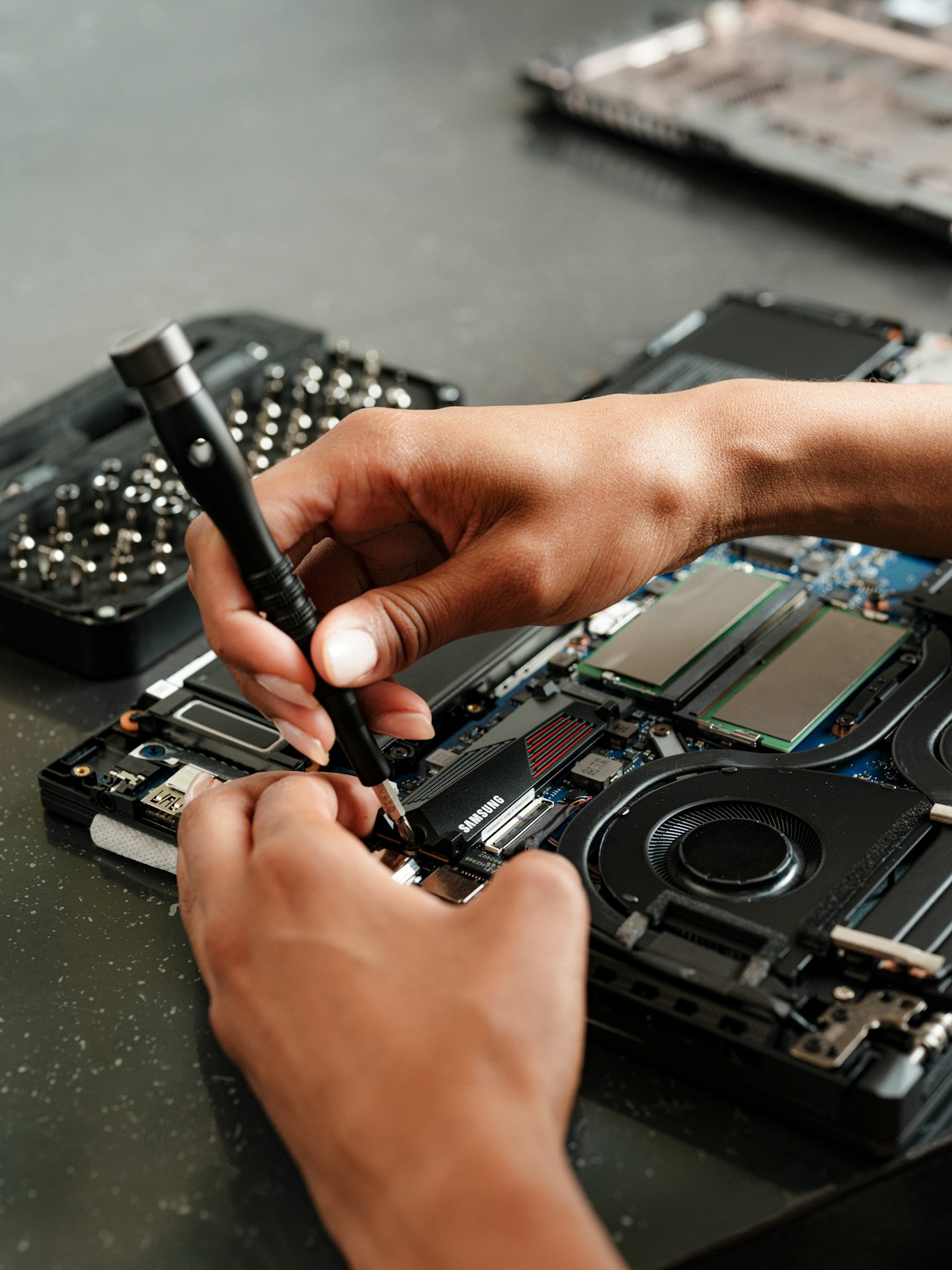
Independent repair offers a cheaper route than Apple's full display swap. iFixit sells a replacement display cable for the 13-inch models, and some repair shops replace just the cable rather than the whole screen. Quality and warranty vary a lot between shops, so ask exactly what they replace and how long they guarantee it.
For most owners, the choice breaks down like this:
If the Mac is your main computer and you need current software, put the repair budget toward a newer machine instead.
If it's a secondary machine that only needs to browse, write or stream, a cable-level repair from a reputable independent shop can be good value.
If the fault has progressed to a black screen, you can still use the laptop with an external monitor while you decide.
How to slow the MacBook Pro stage light effect down
Once the cable is damaged, nothing reverses it. You can stop it getting worse as quickly.
Keep the lid within the angle where the display still works properly, and avoid opening it all the way back. Open and close it less often, which in practice means leaving it open at a desk rather than folding it shut between uses. For daily work, an external display plus keyboard and mouse takes the built-in screen out of the equation completely.
Back up now. Nothing about the fault harms your data, but a failing display makes it harder to reach the machine when you most need to copy files off it.
Common questions about the MacBook Pro stage light effect
Is the MacBook Pro stage light effect a software problem?
No. It's a physical failure of the display flex cable, so no macOS update, reset or setting will fix it.
Does Apple still repair Flexgate for free?
Not under the 2019 program. Its coverage ran five years from purchase for 13-inch 2016 models sold through February 2018, which means it has expired for every eligible unit.
Can the MacBook Pro stage light effect show up on a 2018 model?
Less often. The 2018 redesign lengthened the cable by about 2mm, though MacRumors notes some 2018 machines may still be affected.
Is the flexgate problem the same as a cracked or failing screen?
It's different. A cracked or failing panel shows lines, dead areas or damage across the screen. Flexgate shows up as bright patches along the bottom edge that change with the lid angle.
Can a MacBook Pro with the stage light effect use an external monitor?
Yes. The fault is in the built-in display's cable, so an external monitor works normally and lets you keep using the machine.


